Fish
Smooth swimming movement
Turn an iPhone or iPad into a supervised play surface with nine animated objects, adjustable speed, size and count.
For supervised play. A screen protector can help protect your device.
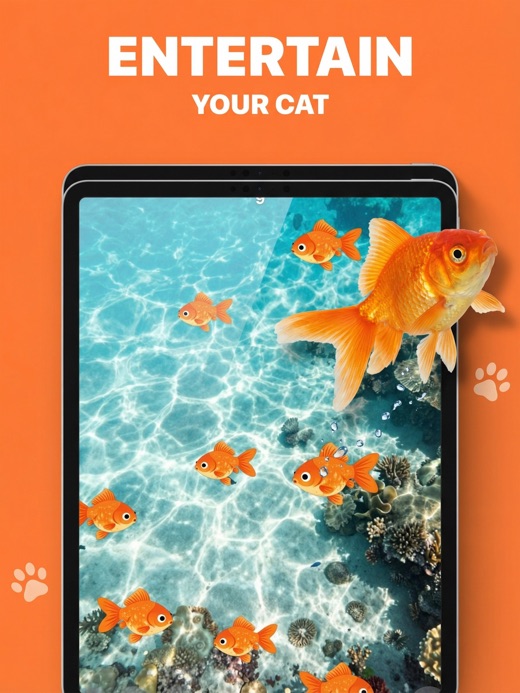
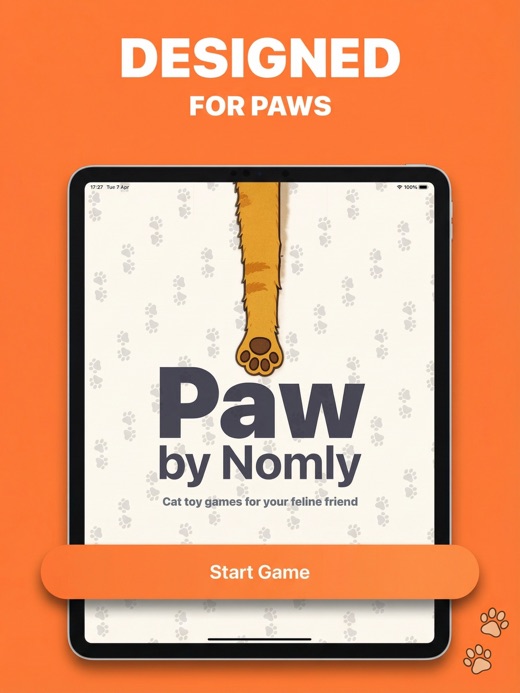
Cats respond differently to motion. Start slowly, try another object if attention drops, and keep sessions short.
Smooth swimming movement
Quick, unpredictable turns
A classic bouncing laser dot
Fast figure-eight movement
Slow fluttering motion
Sharp random direction changes
Wide diagonal swoops
Gentle crawl and pauses
Calm falling movement
Tune movement speed instead of forcing every cat into one pace.
Change the visual target and the number of moving objects.
Use the device you already own; larger screens offer more movement space.
Game colors are selected for feline dichromatic vision.
Use the built-in recording feature to capture a play session.
Apple Guided Access can keep the device inside PAW during supervised play.
Lay the device flat on a stable, dry surface away from edges.
Choose an object, start slowly and enable Guided Access if needed.
Watch your cat, protect the screen and finish before play becomes frustrating.
Yes. PAW is free to download and includes limited play. Optional subscriptions unlock the premium experience. Current prices and trial terms are shown by Apple before purchase.
Yes. PAW supports iPhone and iPad. The larger iPad screen can give a cat more room to follow moving objects.
Use Apple Guided Access to restrict the device to PAW during a play session. The support page explains how to enable it.
Repeated contact with claws may mark a device over time. Supervise play, use a stable surface, consider a screen protector, and stop if your cat becomes frustrated.
Open iPhone or iPad Settings, tap your Apple ID, choose Subscriptions, then select PAW. Apple handles billing and cancellation.
Download PAW free from the App Store. Apple shows any subscription terms before purchase.
Get PAW